
Before we dive into gathering ideas, tools, and inspiration, I want to build on something from the “Getting Started” post. Taking action matters more than having the perfect plan — but having a simple, organized place to capture what we learn can make the journey smoother. This isn’t about over-preparing. It’s about clearing just enough space to begin with confidence.
In my “Getting Started” post, I talked about the power of jumping in and figuring things out along the way. I still believe that — almost completely. The only reason I say “almost” is because I know myself. I’m about to gather a lot of ideas, notes, resources, and inspiration, and if I don’t have a place to put them, they’ll end up scattered across notebooks, tabs, and random scraps of paper.
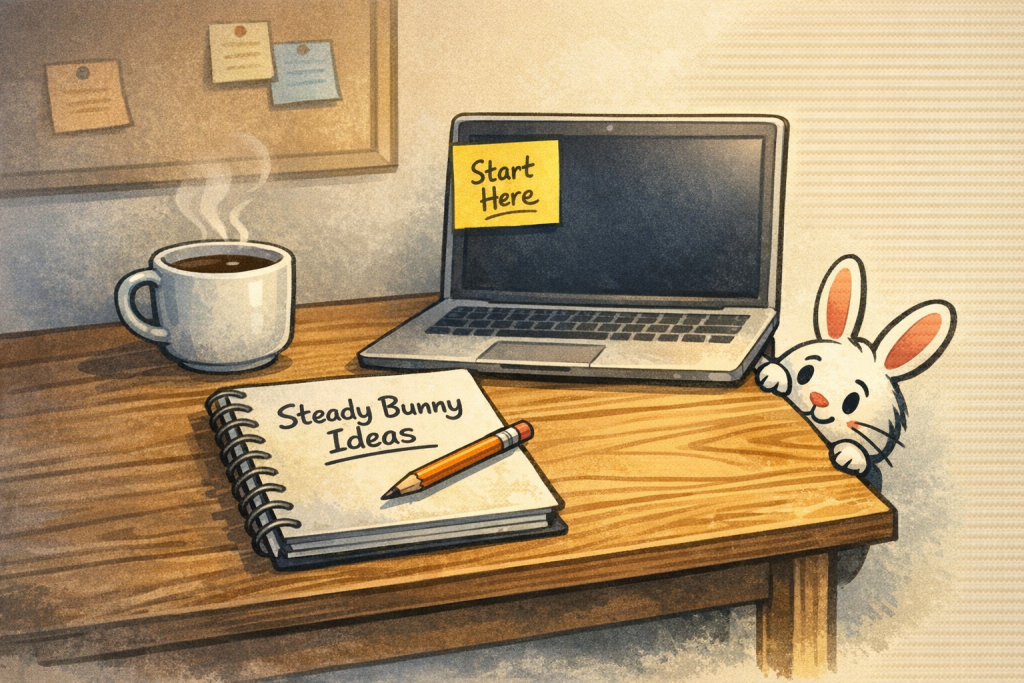
It’s like cleaning your workspace before starting a big project. You don’t need perfection — you just need a clear spot to work.
For me, that “spot” is Microsoft OneNote. I’ve used it since it launched in 2003, and it’s always been the tool I return to when I need to organize my brain. I’m sticking with what I know, but I’m also staying open to new tools and better ways of doing things as we go.
This journey is going to involve everything: search rabbit holes, AI conversations, books, videos, websites, emails, experiments, and plenty of trial and error. OneNote gives me a place to collect it all, sort through the noise, and pull out the pieces that actually move Steady Bunny forward.
And that reminds me — this website needs to be ready too. As we uncover ideas, systems, and insights, SteadyBunny.com should be able to host them in a way that feels logical, simple, and welcoming.
So here’s where I’m starting:
Tasks
- Create a SteadyBunny.com notebook in Microsoft OneNote
- Prepare the website to organize and present everything we discover
- Do some online research or get AI help in how to set things up
It doesn’t have to be perfect. It just has to be ready enough for us to begin.